
A fresh Booking.com listing does more than look good. It helps the right guests find you, trust you, and book you.
Use these five updates to stay competitive through the year, without turning your week into admin.
Quick note on what “fresh” really means
Booking.com builds your property page from the details you keep up to date, like facilities, room details, and location info. When you improve those building blocks, your listing becomes clearer for guests and easier for the platform to match to searches. Fresh means accurate details, strong photos, and an easy path to book.
1) Refresh your photos for the season
Photos still do most of the selling. Guests scroll fast, especially on mobile, so your first few images need to carry the story.
Keep your gallery current by:
- rotating your main photo to match the season and your current offers
- moving your best room photo into the first three images
- adding a few context shots, like parking, entrance, breakfast, or the view
- removing anything that no longer matches what guests will experience
A quick sense-check helps. If a guest arrived tomorrow, would your top images still feel accurate?
If you want a practical photo checklist, this guide helps: How to take great photographs of your guest house

2) Get your basics to 100% complete
Guests book what they understand. Missing details create doubt, and doubt kills conversions.
Booking.com uses a “property page score” as a checklist for what’s missing. Their guidance suggests properties with complete content perform better, so treat completeness as a monthly habit, not a once-off setup.
Focus on the fields that influence filters and search results:
- facilities and services
- room amenities
- bed setup and occupancy
- parking and backup power details
- check-in and check-out info
Small updates here can make you visible in more filtered searches.
3) Keep availability open and restrictions realistic
A perfect listing still won’t perform if guests can’t book the dates they want.
Booking.com’s own partner guidance puts a lot of emphasis on keeping your calendar open far enough ahead and being careful with restrictions, since restrictions can remove you from search results for certain travellers.
A practical way to review this:
- open up your calendar as far forward as you comfortably can
- check minimum stay rules, especially on weekdays
- avoid adding rules “just in case” if they block bookings you would happily take
Aim for bookable first. Fine-tune after you see booking patterns.
 4) Speed up replies, even when you are busy
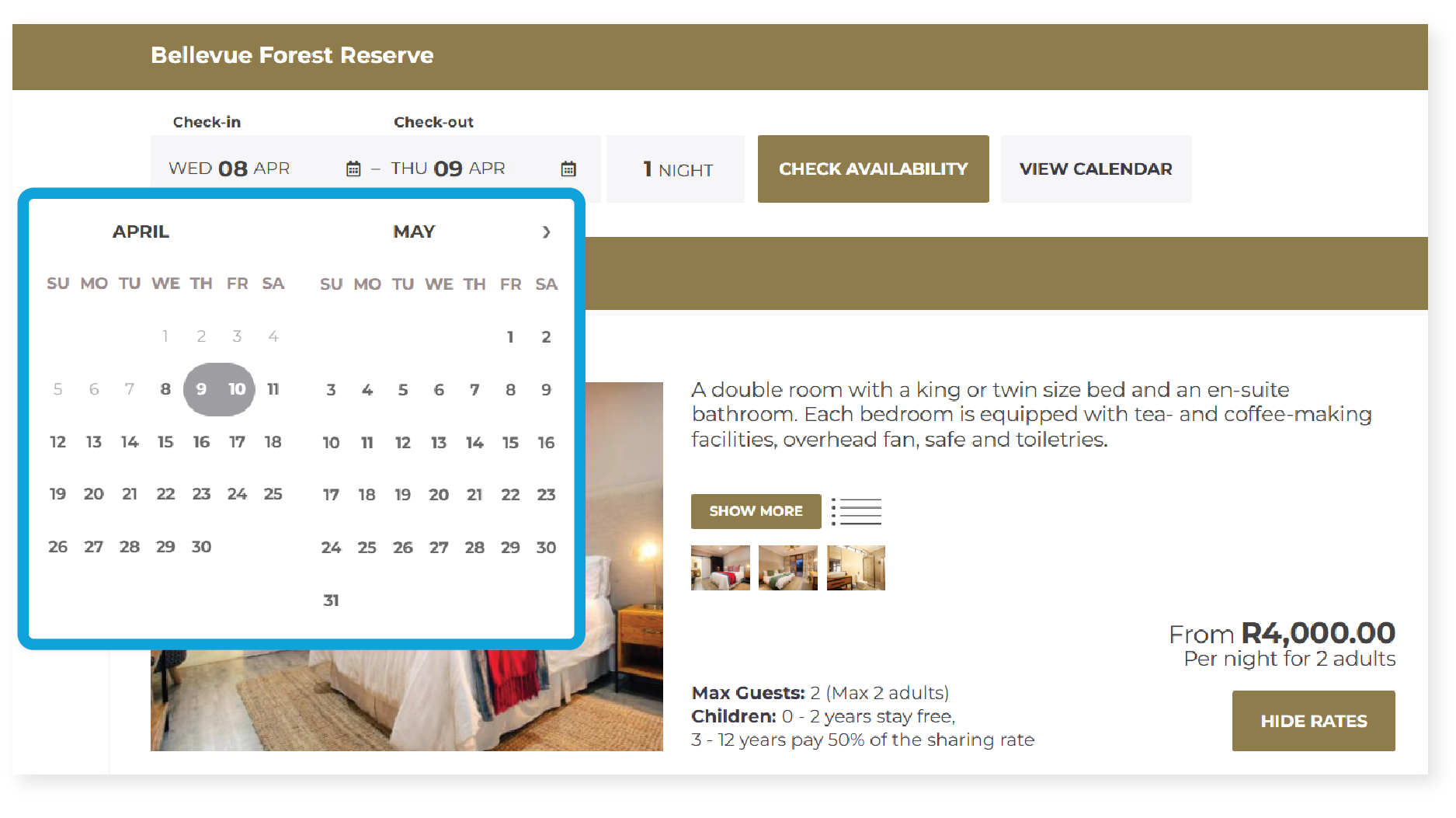 4) Speed up replies, even when you are busy
Fast replies build trust and help you win bookings while guests are still comparing options.
You don’t need to be online all day. You need a simple system that keeps response times steady:
- set up template replies for common questions like parking, late arrivals, and load shedding
- write one friendly “thanks for your booking” message that covers the essentials
- use one inbox approach if you manage more than one booking platform
If you use a channel manager like NightsBridge, it can help you keep guest communication and availability in sync across platforms, so you spend less time bouncing between logins.
5) Use promotions and Genius with your eyes open
Booking.com promotions and the Genius programme can increase visibility, but the maths needs to work for your property.
Before you opt in, check:
- the discount level and which room types it applies to
- whether the dates are quiet or already strong sellers
- whether you can rather add value than cut price, like breakfast, late check-out, or a better cancellation option
More bookings only help if you still protect your margin.
A simple weekly routine (15 minutes)
If you do nothing else, do this once a week:
- check your top five photos and re-order if needed
- scan your listing for anything outdated
- review your next 30 days for gaps and avoidable restrictions
- reply to any guest messages and reviews
Consistency beats the big once-off overhaul.
Next step
Open your Booking.com listing on your phone and look at it like a guest. If the first photo doesn’t sell the stay, replace it today. Then make one completeness update, like adding a missing amenity or clarifying parking.
If you want to reduce admin while keeping your listings accurate across booking platforms, NightsBridge helps you keep availability and guest messages aligned in one place.