
Airbnb has become one of the first places guests look when they plan a trip. Whether they’re searching for a cosy B&B room, a family‑friendly guesthouse, a lodge close to nature or a self‑catering apartment in town, they often open Airbnb without thinking about it. Your property then appears alongside thousands of others, all competing in that same search.
Listing on Airbnb boosts your visibility – the catch is the admin. Every extra channel you manage by hand means more logins to keep track of, more places to open and close dates and more chances for double‑bookings or missed updates.
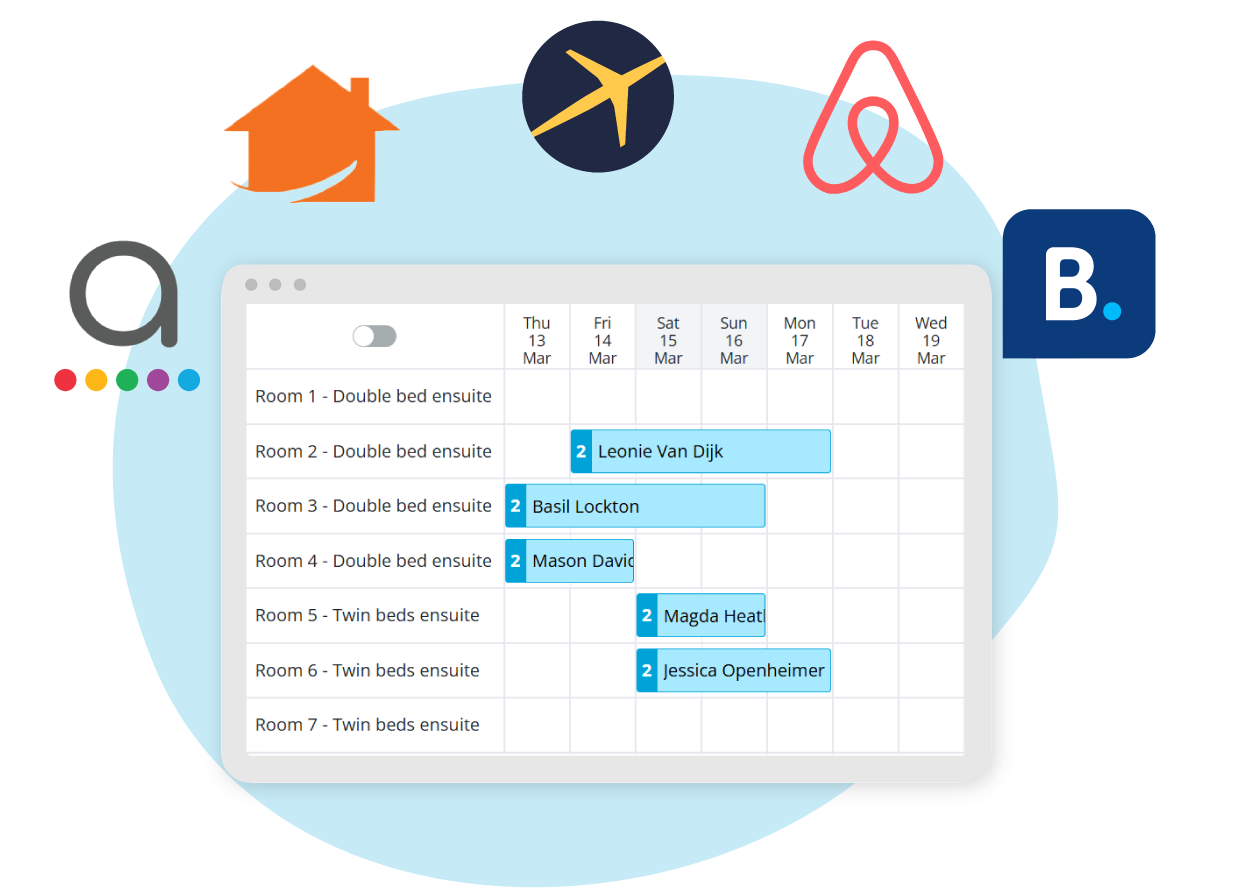
NightsBridge solves that by linking directly to your Airbnb calendar. Instead of juggling multiple extranets, you work from one NightsBridge calendar. We:
- Send your availability and rates to Airbnb.
- Apply key rules like minimum stays and close‑outs.
- Pull Airbnb bookings back into NightsBridge so everything stays in sync.
Why list on Airbnb through NightsBridge?
Guests love Airbnb because the experience is simple and flexible. They can:
- Choose from entire homes, private rooms, hotel rooms and unique stays.
- See clear pricing with a breakdown of what they will pay.
- Pay using Apple Pay, Google Pay, PayPal or major cards.
- Use the Airbnb app to search, save favourites and share options.
For you, connecting Airbnb via NightsBridge means you tap into that demand without taking on a second job. You keep working in NightsBridge; we handle the connection in the background. You manage your calendar once, and guests see accurate dates and prices whether they find you on Airbnb, your other channels or your own website with the NightsBridge booking engine.
On the booking side, the flow is just as simple. When a guest confirms on Airbnb, that reservation appears on your NightsBridge calendar with the booking details Airbnb shares. You then manage it in the same place as your other online bookings, direct bookings and phone- and email reservations.
Arrivals, departures and room allocations all live in one view. The NightsBridge connection reduces admin and keeps data in sync, while you stay in control of how your listing looks and behaves.
Getting started with Airbnb via NightsBridge.
If you already use NightsBridge:
- Check that your room types and rates are set up cleanly in NightsBridge Setup.
- Follow Airbnb’s steps to set NightsBridge as your channel manager.
- Let our team know once that’s done.
- A NightsBridge Ninja will:
- Map your room types to your Airbnb listings.
- Check that rates, seasons and rules match your expectations.
- Confirm updates are flowing correctly before you go fully live.
If you’re new to NightsBridge:
- We look at your property, target markets and ideal channels.
- We help you set up NightsBridge with the right room types, seasons, rates and rules.
- We then connect you to Airbnb (and any other channels that fit your strategy).
- You start running everything from one NightsBridge calendar.
The bottom line – part of your channel management strategy.
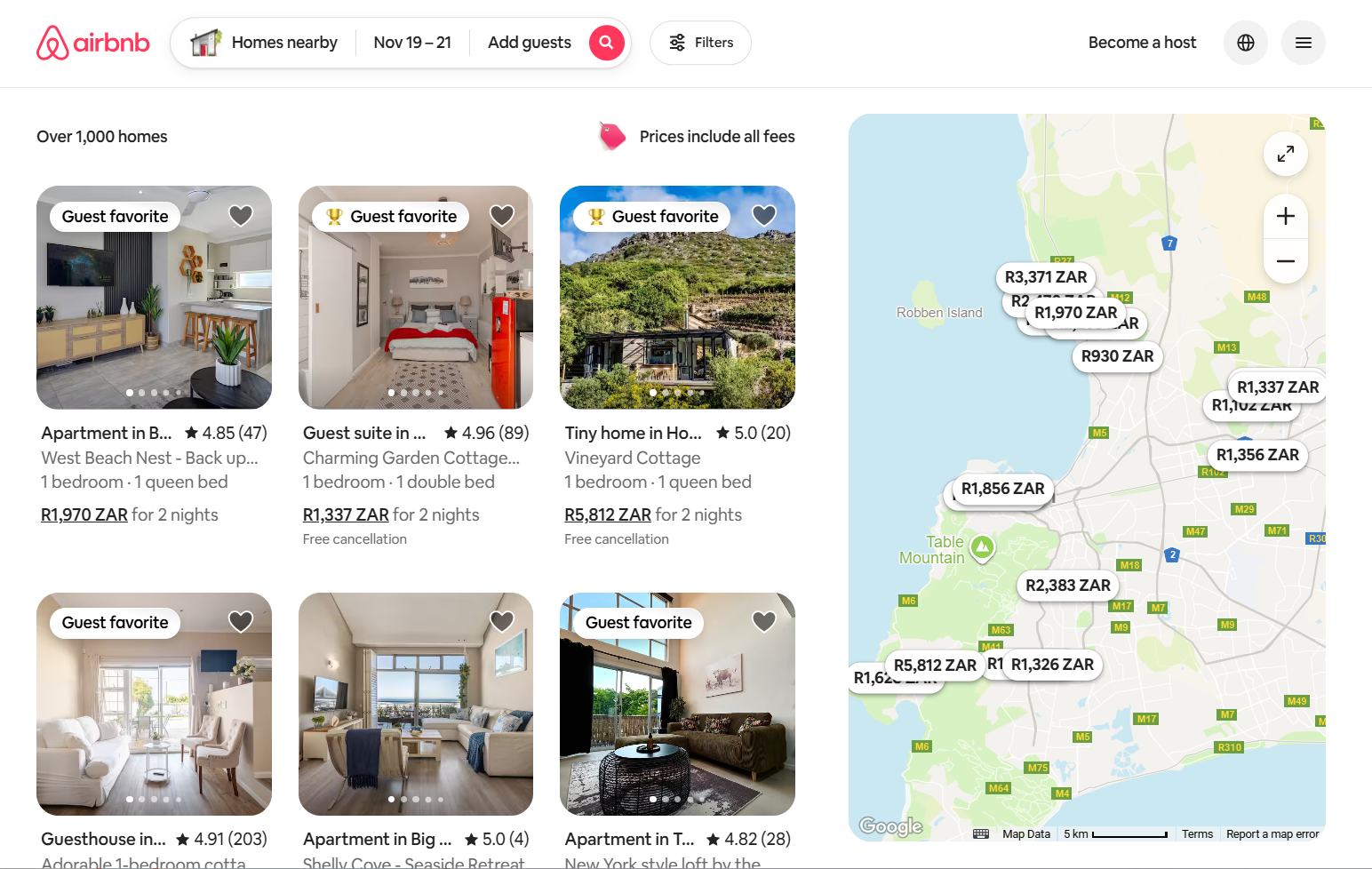
Airbnb is a powerful shop window for travellers. Guests trust it, browse it daily and often start their accommodation search there. As a small or medium‑sized property, you don’t have to choose between that visibility and manageable admin.
By connecting NightsBridge to your Airbnb calendar, you:
- Show up where guests are already looking.
- Keep your calendar and core rates up to date from one place.
- Pull confirmed Airbnb bookings into NightsBridge automatically.
- Keep control of your Airbnb policies, payouts and content.
Airbnb through NightsBridge is one piece of a bigger picture: proper channel management. If you’d like to see how Airbnb fits alongside your direct bookings and other online channels, have a look at our guide to Channel management basics for accommodation. It explains how using NightsBridge as your channel manager helps you balance visibility, control and profit across all your online sales.
When you’re ready to connect your Airbnb calendar, reach out to our team. We’ll help you set up the connection, map your rooms and do the first checks, so you can start getting Airbnb bookings without adding extra admin to your day.
READ: How NightsBridge takes out the pain of running a property rental